Creating a productive home office space is essential for anyone working remotely or managing tasks from home. A well-designed workspace can boost focus, enhance comfort, and help maintain a healthy work-life balance. However, the ideal home office varies from person to person, depending on lifestyle, work habits, and available space.
This guide will help you design a home office that not only improves productivity but also suits your individual lifestyle.
Why a Tailored Home Office Matters
When your workspace is comfortable and organised, you’re more likely to stay motivated and efficient. A setup that matches your lifestyle means you’ll feel at ease and less distracted, turning your home into a place of both comfort and accomplishment.
Assess Your Needs and Lifestyle
Consider Your Work Style
– Are you frequent multitasking or focusing on a single task? If you often switch between projects, a clutter-free desk with easy access to necessary tools can help.
– Do you take many calls or video meetings? You might need a quiet space with good lighting and soundproofing.
– Is flexibility important? Consider furniture that can be rearranged or folded away to create multi-purpose spaces.
Account for Time Spent at Your Desk
If you’re working long hours, prioritise ergonomics and comfort. If use is occasional, a basic but tidy setup might suffice.
Choosing the Right Location
Find a Dedicated Spot
Selecting a dedicated workspace helps separate work from leisure. This can be an extra room, a corner of a room, or even a converted space like a wardrobe or nook.
Natural Light and Ventilation
Natural light boosts mood and alertness. Position your desk near a window if possible, but be mindful of screen glare. Fresh air circulation keeps the space inviting and fresh.
Minimise Distractions
Choose a quiet area away from household noise or high-traffic zones. You might use noise-cancelling headphones or a room divider to block distractions.
Furniture and Equipment Essentials
Desk and Chair
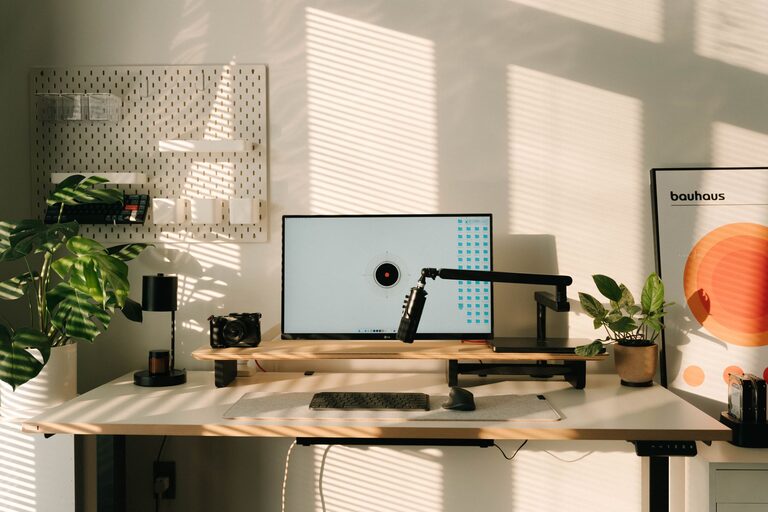
Invest in a desk that fits your work habits and space. A height-adjustable or sit-stand desk can be beneficial. Pair it with an ergonomic chair that supports your posture.
Storage Solutions
Clutter can kill productivity. Use shelves, drawers, or filing cabinets to keep documents and accessories organised.
Technology Setup
Ensure you have reliable internet, sufficient power outlets, and necessary equipment like monitors, keyboards, and webcams tailored to your tasks.
Personalising Your Space
Colour and Decor
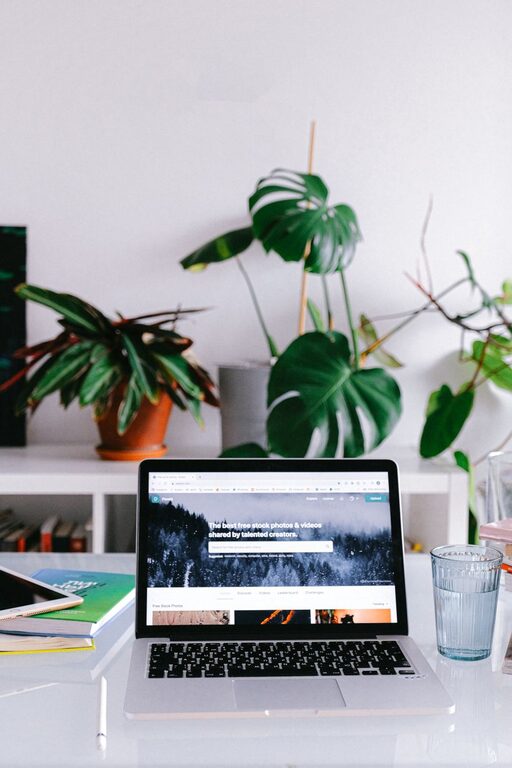
Choose colours that energise or calm you, depending on your preferences. Add personal touches like artwork, plants, or meaningful objects that make the space enjoyable.
Organisational Tools
Use planners, bulletin boards, or whiteboards to keep track of tasks and deadlines.
Lighting
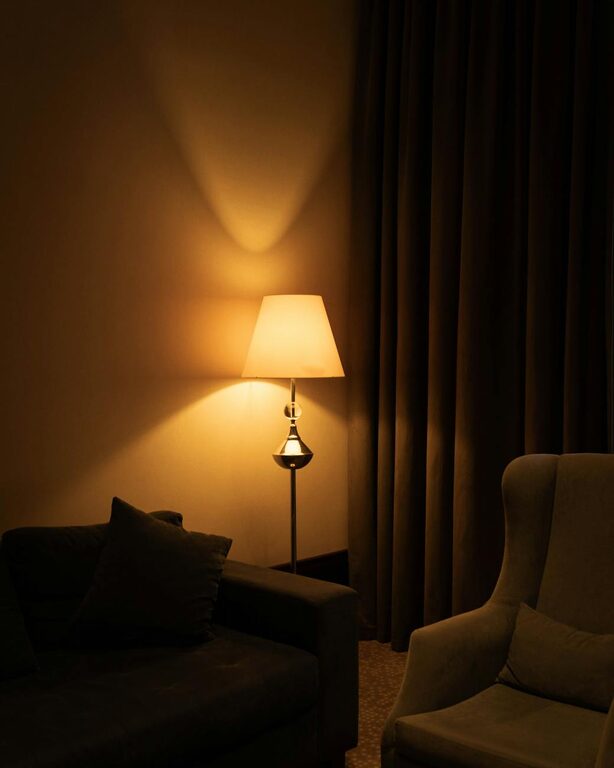
Combine natural light with adjustable task lighting to reduce eye strain during late hours.
Practical Tips for Maintaining Productivity
Establish a Routine
Set clear working hours and breaks to mimic an office environment. This helps maintain focus and prevents burnout.
Keep It Tidy
Spend a few minutes each day tidying your workspace. A clear desk encourages a clear mind.
Incorporate Movement
Take regular breaks to stretch or walk, especially in longer work sessions.
Minimise Digital Distractions
Use apps or settings to limit interruptions from social media or non-essential notifications.
Adapting as You Go
Your home office needs may change over time. Periodically review your setup and make adjustments as needed. Flexibility is key to sustaining productivity and comfort.
—
Creating a home office that supports both your work and lifestyle isn’t about perfection; it’s about designing a space that feels right for you. By considering your personal needs, choosing the right location, and organising thoughtfully, you can build a productive environment that helps you thrive.